
Cancellation Reasons
Create and manage custom cancellation reason codes for subscription cancellations with detailed tracking and reporting capabilities.
Adding Cancel Reasons
-
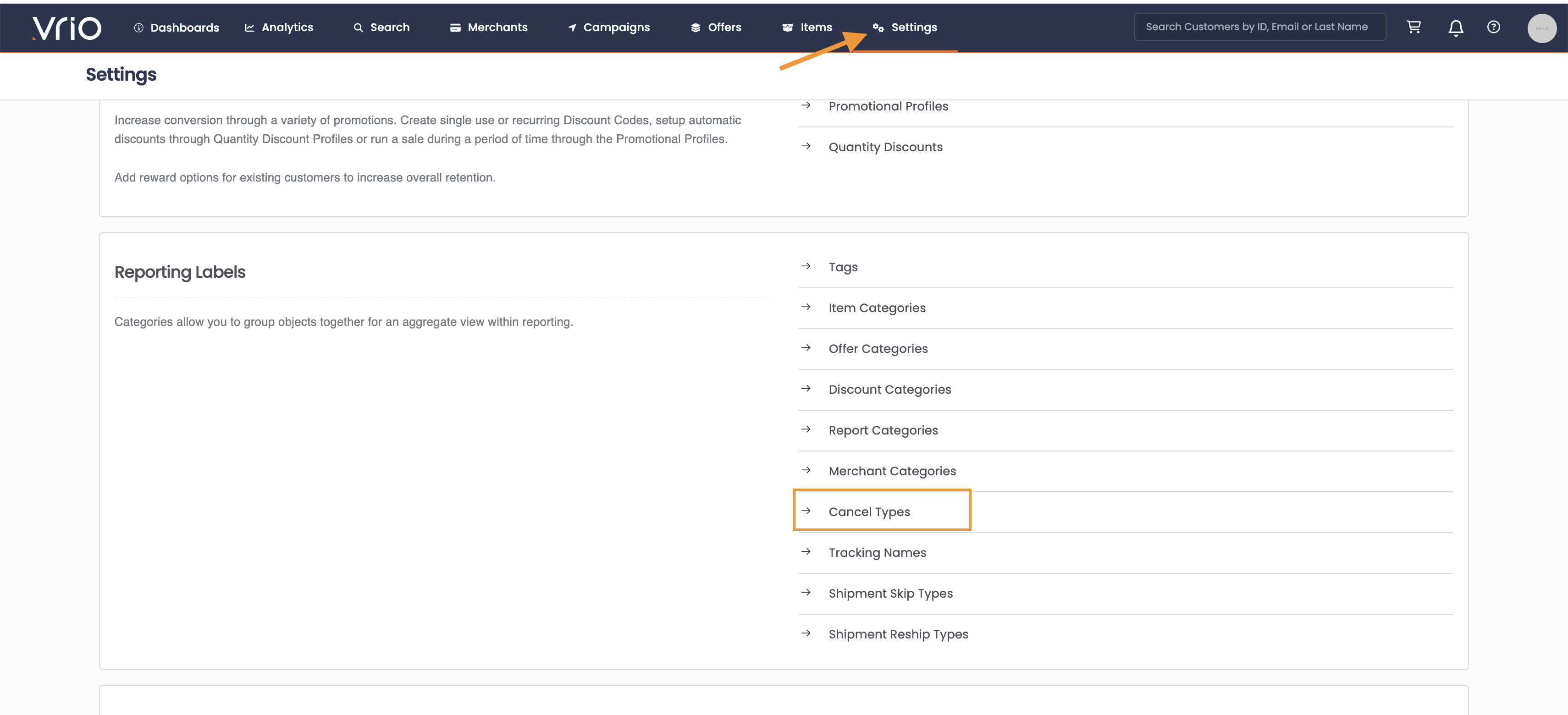
Navigate to Settings
-
Scroll down to Reporting Categories
-
Select Cancel Types
-
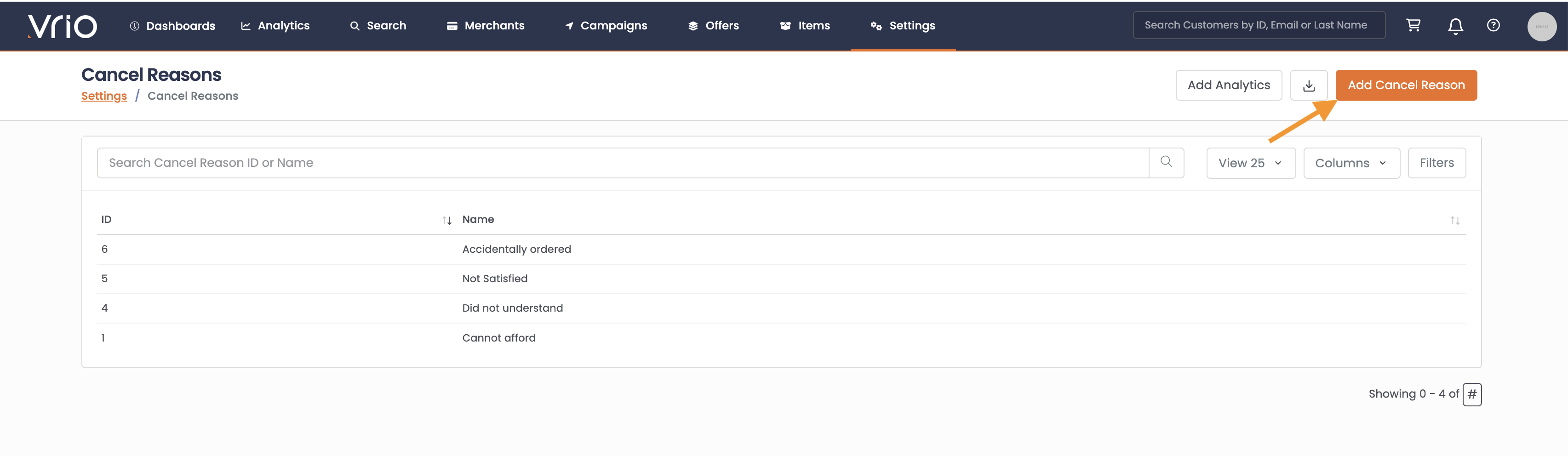
Select Add Cancel Reason
-
Type in the Cancel Reason as it should be displayed
-
Hit Submit
Editing an Existing Cancel Reason
You may go in and edit existing Cancel Reasons to display differently.
To edit a cancel reason:
-
Navigate to Settings
-
Scroll down to Reporting Categories
-
Select Cancel Types
-
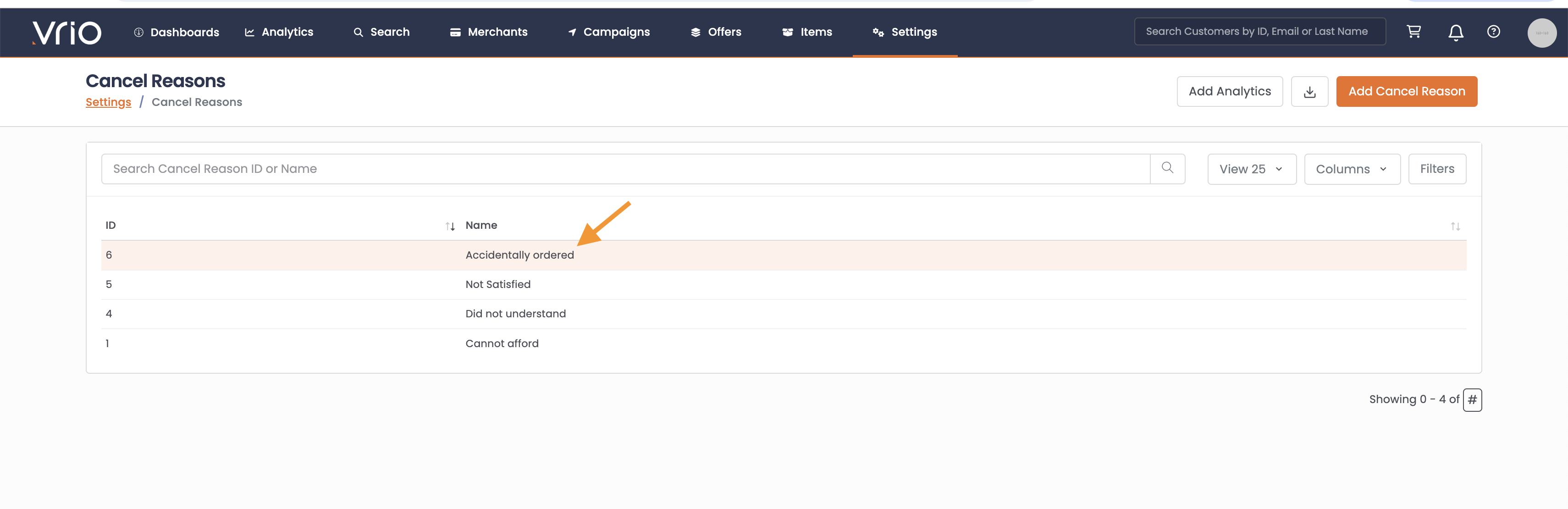
Select the Cancel Reason you wish to edit
-
Update the text
-
Hit Submit
Deleting a Cancel Reason
At this time Cancel Reasons are unable to be deleted.
Updated 12 months ago
Did this page help you?